
Learn how to integrate your academy with your applications easily.
Stripe Integration
Chethna
Jul 03, 2025
How to Integrate with Stripe?
Integrate Stripe for payment and billing processing when selling courses in your Academy. This integration is essential for setting up paid courses and managing transactions.
Step 1: Connect Stripe to Trainn
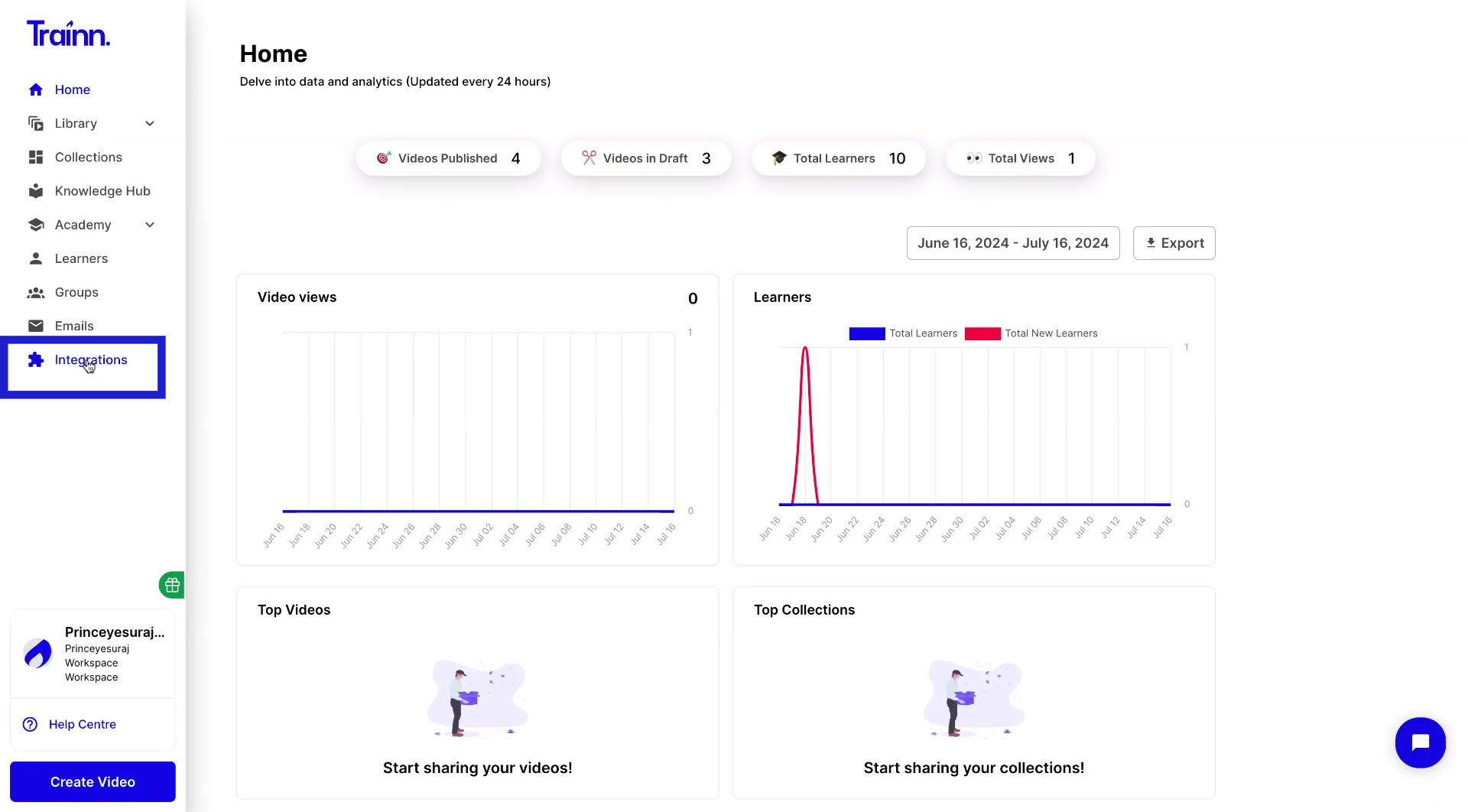
In Trainn, click on Integration tab
Select Stripe > Connect
Enter the email address and Password and proceed with Connect
You'll be redirected back to Trainn's Integration page once the connection is established.
Step 2: Create Product catalog in Stripe
Go to Product catalog tab > Add product
Enter the product name (use your course name for easy identification)
Select One-time as the pricing model (To pay only once for the course)
Enter the price per unit and select your currency
Click Add product
Step 3: Configure the billing setting in Stripe
Click on the setting icon > settings
Go to the Billing
Navigate to the Customer portal tab
Configure the necessary settings in billing and proceed to Save changes
Step 4: Set and display as a paid course in your academy from Trainn
Go to your selected course and click Course overview
Under Course settings, toggle on Set as paid course
Select the corresponding Stripe product you created for this course
Click Save
Click Publish course to make the paid course live
