
Guide FAQs
Get access to the most frequently asked questions about Guides
0% Completed
How to Delete a Guide?
Interactive
Guide
9 steps
How to Delete a Guide?
C
Chethna
Aug 05, 2025
Answer
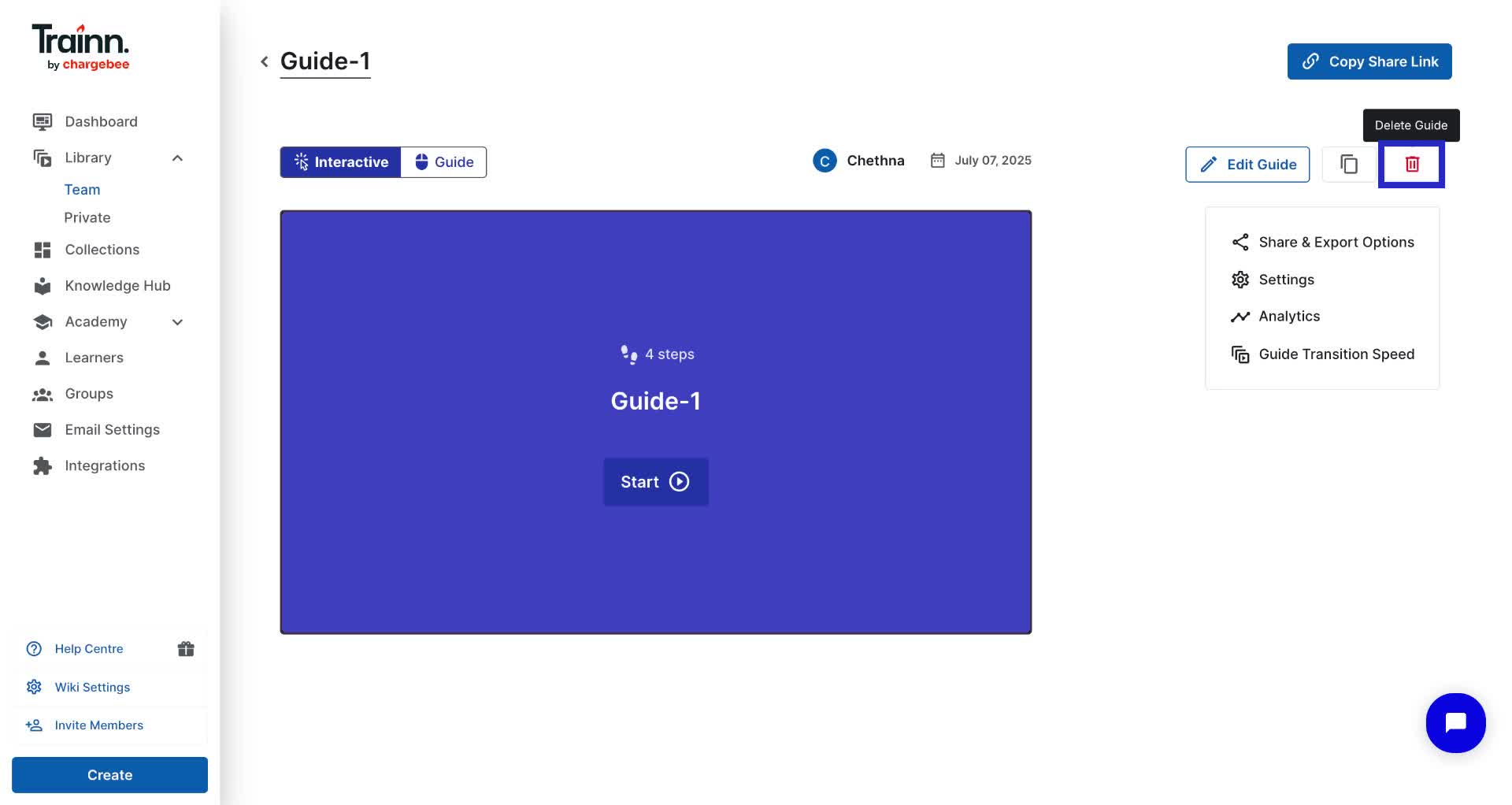
When you delete a guide, it moves to the trash, and its sharing link becomes unavailable. Deleted guides can be restored from the trash if needed.
Steps
Click the delete icon on the guide's published page
Select Yes, delete it from the confirmation pop-up
Alternative method
In the library page, hover over the guide you want to delete
Click the delete icon
Select Yes, delete it from the confirmation pop-up
If you need to recover a deleted guide:
Click Trash in the library page
Select the guide you want to restore
Click Yes, restore it
