
Get started with video creation. This collection offers you everything you need to create your first video, share, and edit them with ease.
How to Share Your Videos?
Yash
Apr 30, 2025
Once you've created and published a video in Trainn, sharing it with your audience is simple and flexible. Whether you want to embed it in your application, include it in a Knowledge Base, or simply send a direct link — Trainn gives you multiple ways to distribute your videos effortlessly.
Sharing your videos ensures your customers, teams, or learners get the right training content, in the right place, at the right time — without complicated downloads or integrations.
Steps
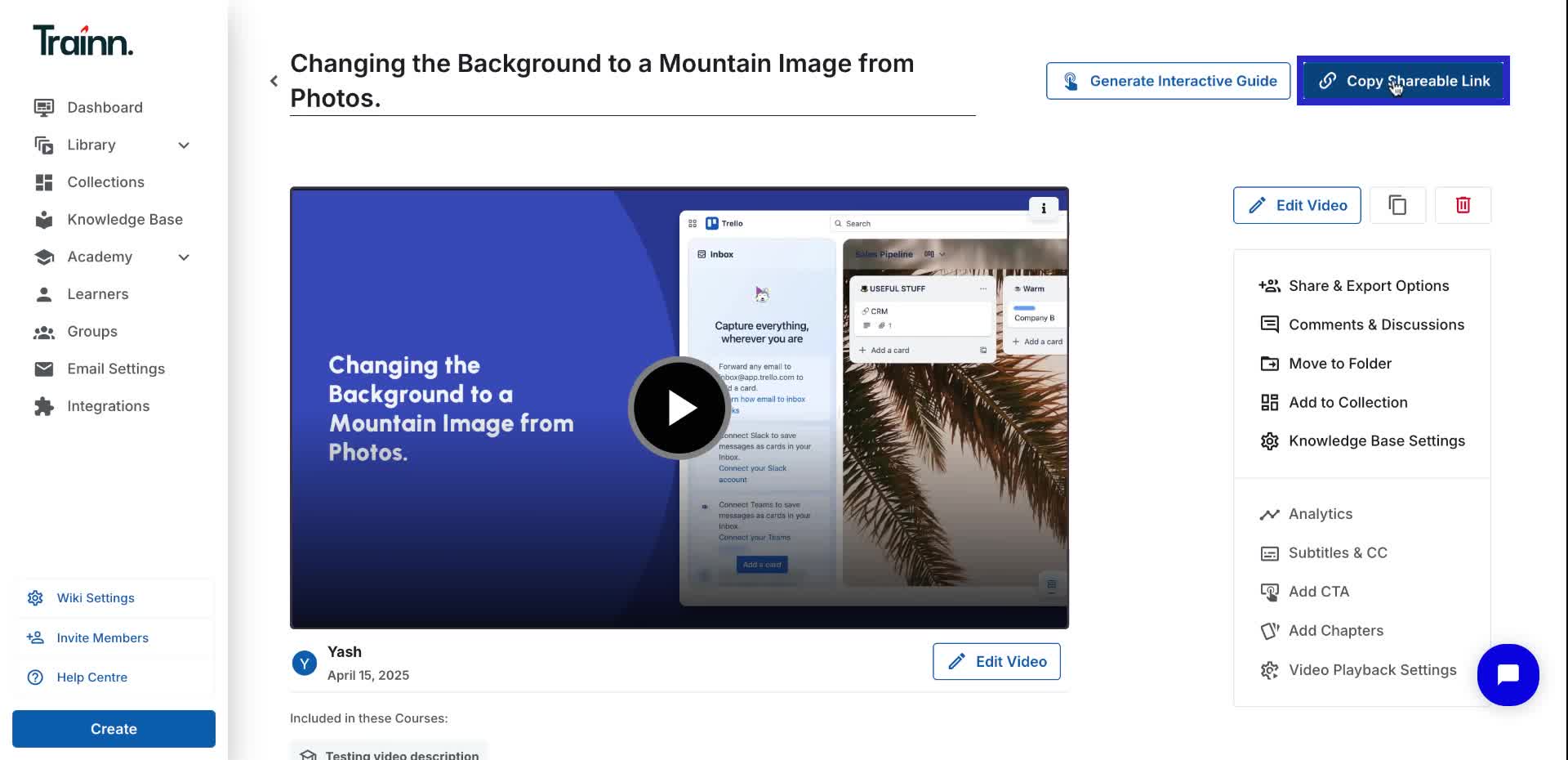
Click on the "Copy shareable link" to share your videos with your learners.
Access all your sharing & exporting options for your videos.
Select 'Generate Tracking Link' to create a custom link for tracking specific learners video engagement.
Click on export options to export video in multiple formats.
Best Practices for Sharing
1. Enable subtitles before sharing to improve accessibility.
2. Add chapters and CTAs to guide viewers and drive engagement.
3. Preview the shared link to ensure everything appears as expected before distributing it widely.
4. Set access restrictions (if needed) to control who can view your video.
