
Welcome to your first guide with Trainn! This guide walks you through the process of signing in to Trainn and setting up the necessary tools to create your first video.
Step 1: Go to https://trainn.co/
Step 2: Get started by creating an account:
Click Sign up to start a free trial
Click Sign in if you already have a Trainn account
Step 3: Visit the Trainn Chrome extension (link here). The chrome extension is a must-have to record videos in Trainn.
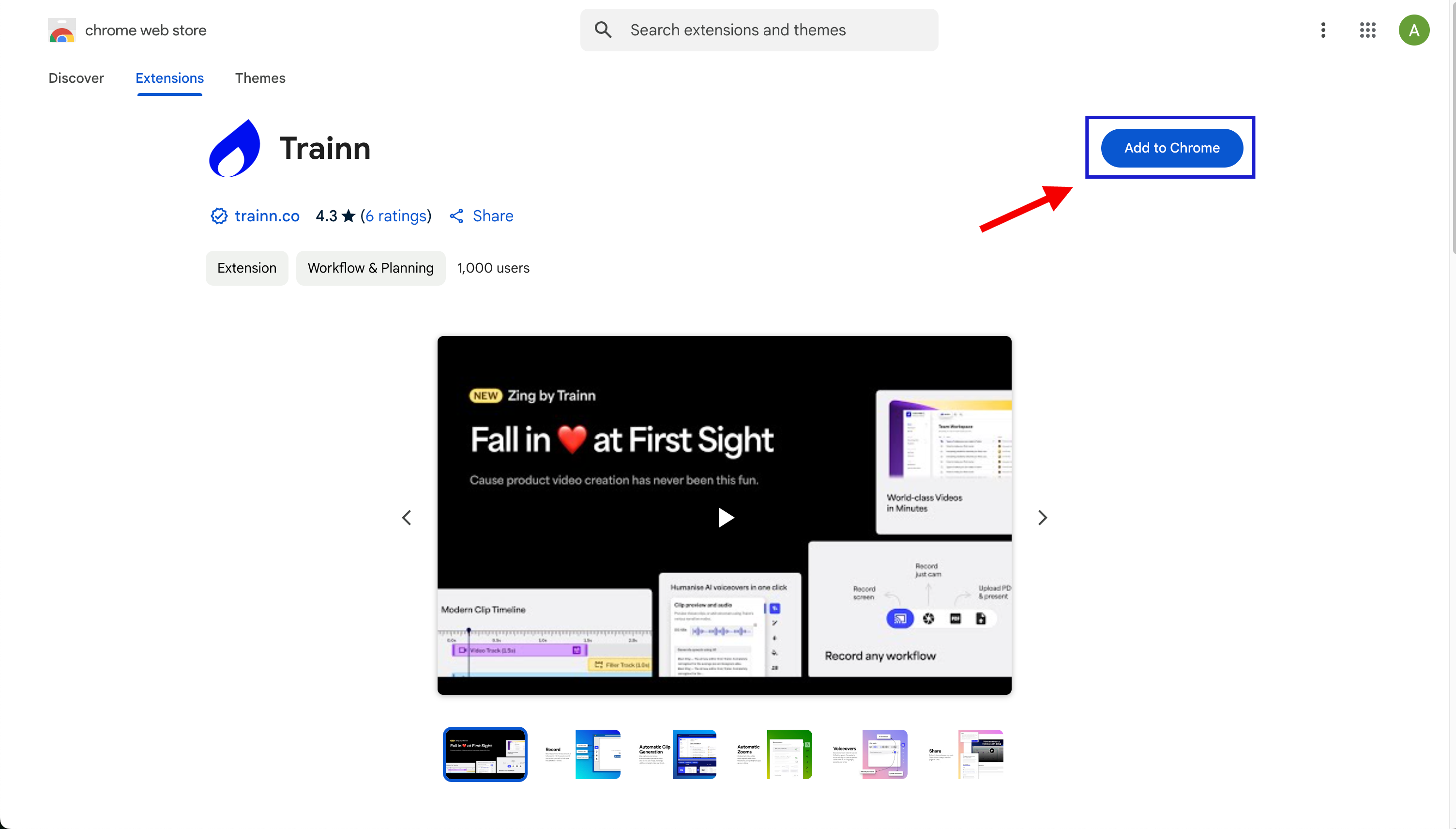
Step 4: Click Add to Chrome > Add extension
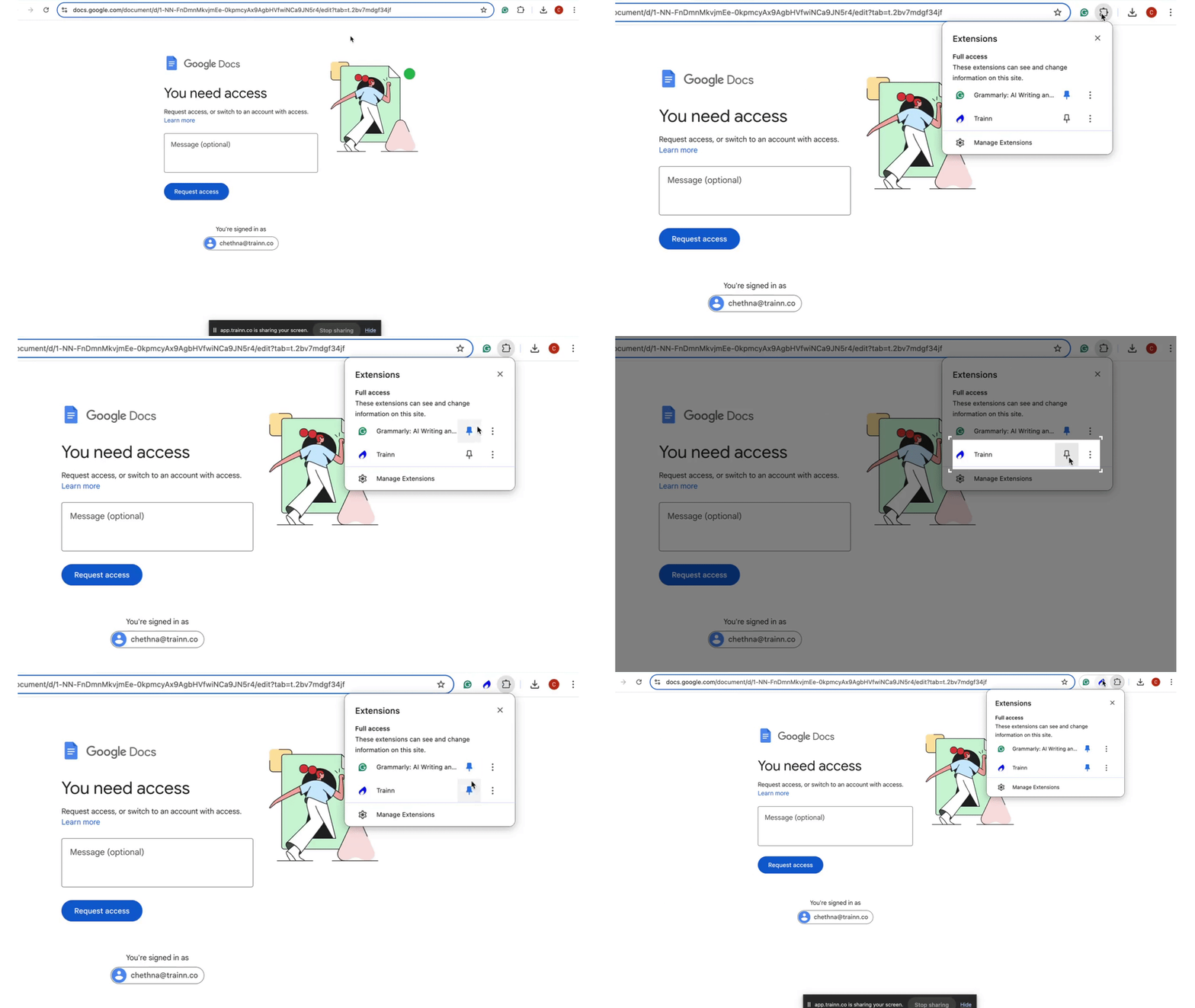
Step 5: Pin the extension by clicking on the puzzle icon > pin icon
Step 6: After adding the extension, you will be directed to the Trainn library. If not automatically redirected, sign in again through this link.
Note: The Trainn browser extension works on other browsers. We recommend Google Chrome to make the best use of Trainn.
