
1. Add an HTTP end point at your end
GET <https://xxx.com/academy/access>When it will be called?
We will redirect the user to this URL, when they click on "Login with XXX" button present in your academy login page.
What it should do?
This HTTP end point should listen to HTTP GET method
You need to check whether the user is authenticated in your application session.
If the user is authenticated,
Hit our create Session REST Api to create a onetime access url for the user.
Redirect the user with the obtained access url.
If the user is not authenticated,
Authenticate the user by redirecting to your existing login page.
Make sure that you redirect to the same end point after successful authentication (Step 3 will be executed)
2. Paste the end point in academy login settings page
Navigate to academy builder and paste the above mentioned URL inside login settings as shown below.
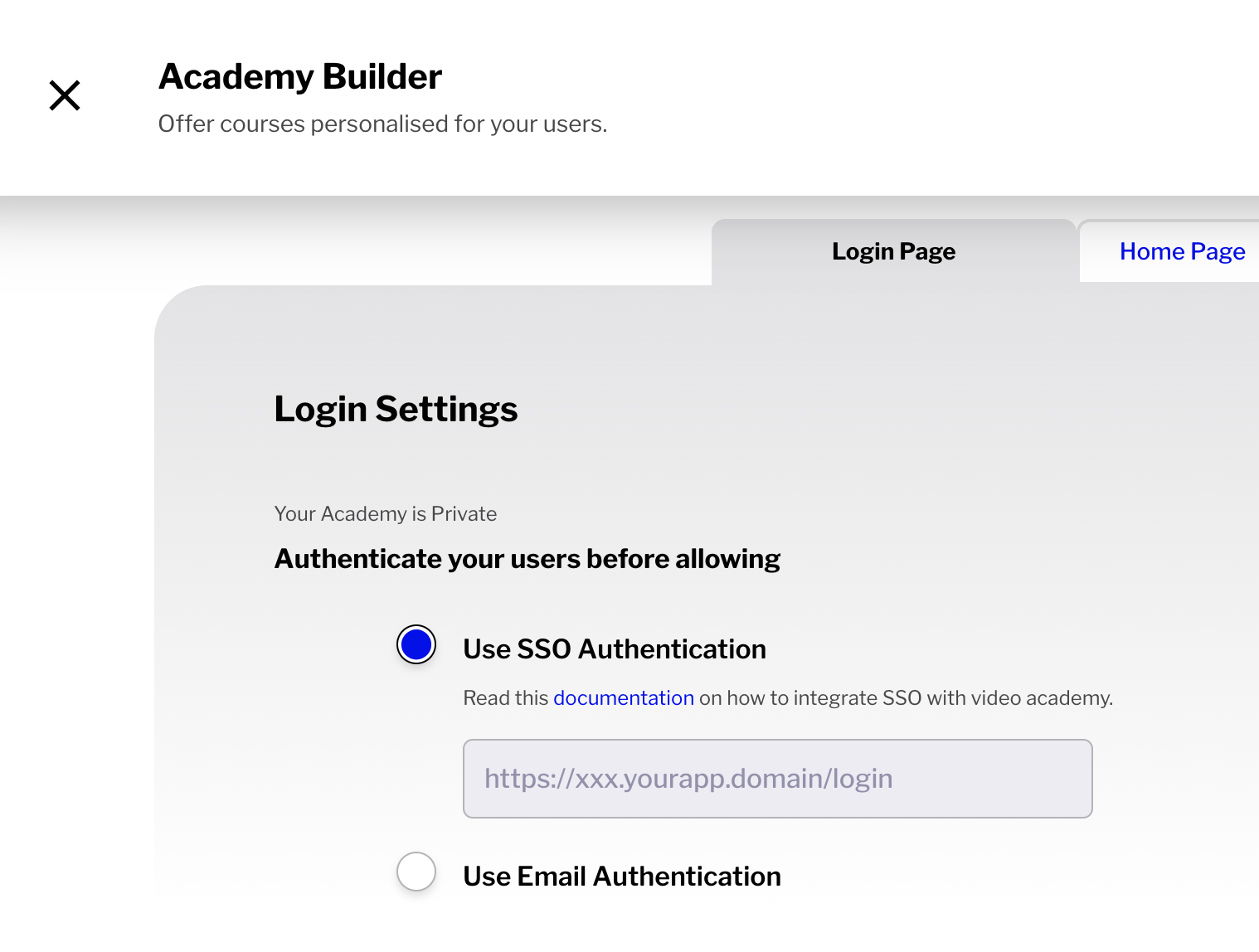
Rest API details
We do not have REST client libraries for all languages. Please free to use any existing HTTP client libraries available in your respective language or framework.
For using our REST end points, you need to have these below details,
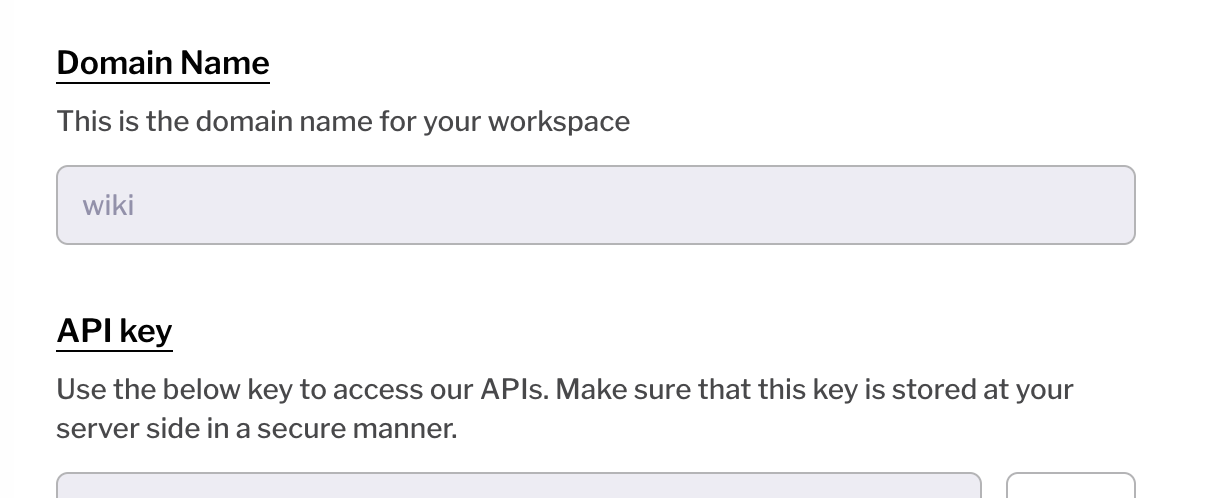
Workspace name - Unique identifier same as the one present in your trainn application URL
https://{workspace_name}.trainn.co
API domain for all requests → https://{workspace_name}.api.trainn.co
API key and domain name can be found in your workspace settings page. We use Basic authentication and this API key will act as an username.
Create Session API:
This API will create a session object for the customer id passed. The API response will have an access url and initial state as created. You need to redirect your customers/users with this access url. Our application will set session cookie and redirect the users to academy home page. Once the session is set, the state of this object will be changed to logged_in.
Method → POST
Path → /v1/sessions
Request body - content type → 'application/json'
Response body -content type → 'application/json'
Request body parameters:
customer_id
Mandatory
Unique Id for this customer. Preferably, your unique id for this customer at your end.
session_for
pass the value as "academy"
email
Optional
Email for this customer
first_name
Optional
First Name for this customer
last_name
Optional
Last name for this customer
company
Optional
💡 If you would like to pass additional property of the customer to our system, please contact us to configure the custom property. We will be sharing a property id, which you can send as an additional parameter similar to passing first_name, company parameter
Response body:
{
	"token": "1_6CIlvxw64XHwhOioGfvVdyN9G1L_VQOWF_KbLKHeLQc",
	"state": "created",
	"access_url": "<https://$>{workspace_name}.academy.trainn.co/access?token=1_6CIlvxw64XHwhOioGfvVdyN9G1L_VQOWF_KbLKHeLQc",
	"created_at": "unix timestamp in seconds",
	"updated_at": "unix timestamp in seconds",
}
Sample request:
curl -X POST https://{workspace_name}.api.trainn.co/v1/sessions \\
     -u {api_key}: \\
     -H "Content-Type: application/json" \\
     -d '{"customer_id" : "unique_customer_id_at_your_end", "email": "vivek@xxx.com", "session_for": "academy"}'
Logout Session API:
By default, sessions in our application expire after 24 hours. You can use this end point, when you want your users to be logged out of academy, if they log out of your application.
This end point will logout all sessions created for a passed customer id.
Method → POST
Path → /v1/sessions/logout
Request body - content type → 'application/json'
Response - 204 no content
Request body parameters:
customer_id
Mandatory
Unique Id for this customer. Preferably, your unique id for this customer at your end.
Retrieve Session API:
You can retrieve status of the current session using this API. Status can be any one of the following,
created
logged_in
logged_out
Method → GET
Path → /v1/sessions/:session_token
Response body -content type → 'application/json'
